

Settings sub-tab overview
The fourth (last) sub-tab of an AI agent. Contains 5 independent sections, each handling one concern.
Where to find
OC-1 (or OC-2 / HM-3) tab → Settings sub-tab
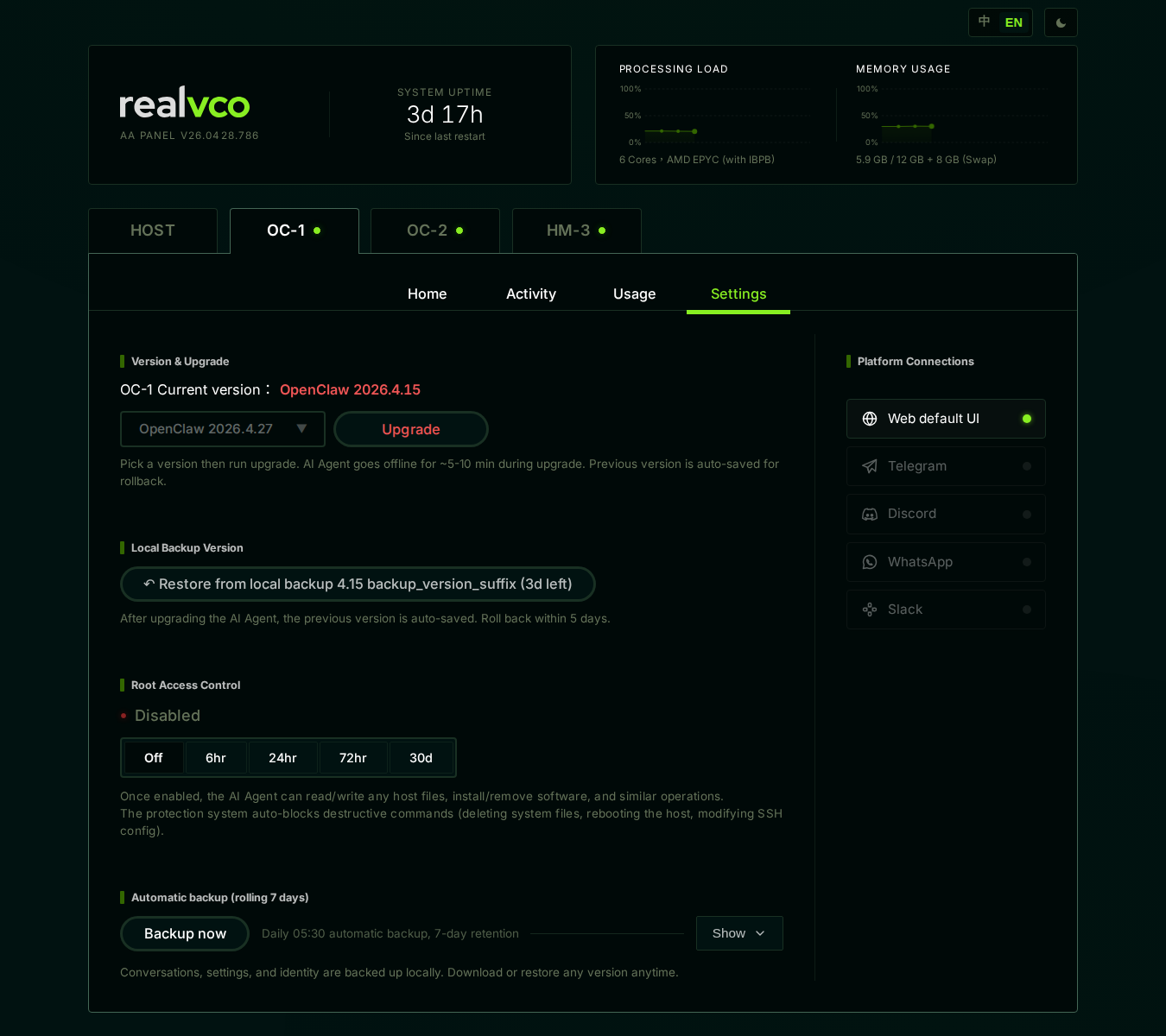
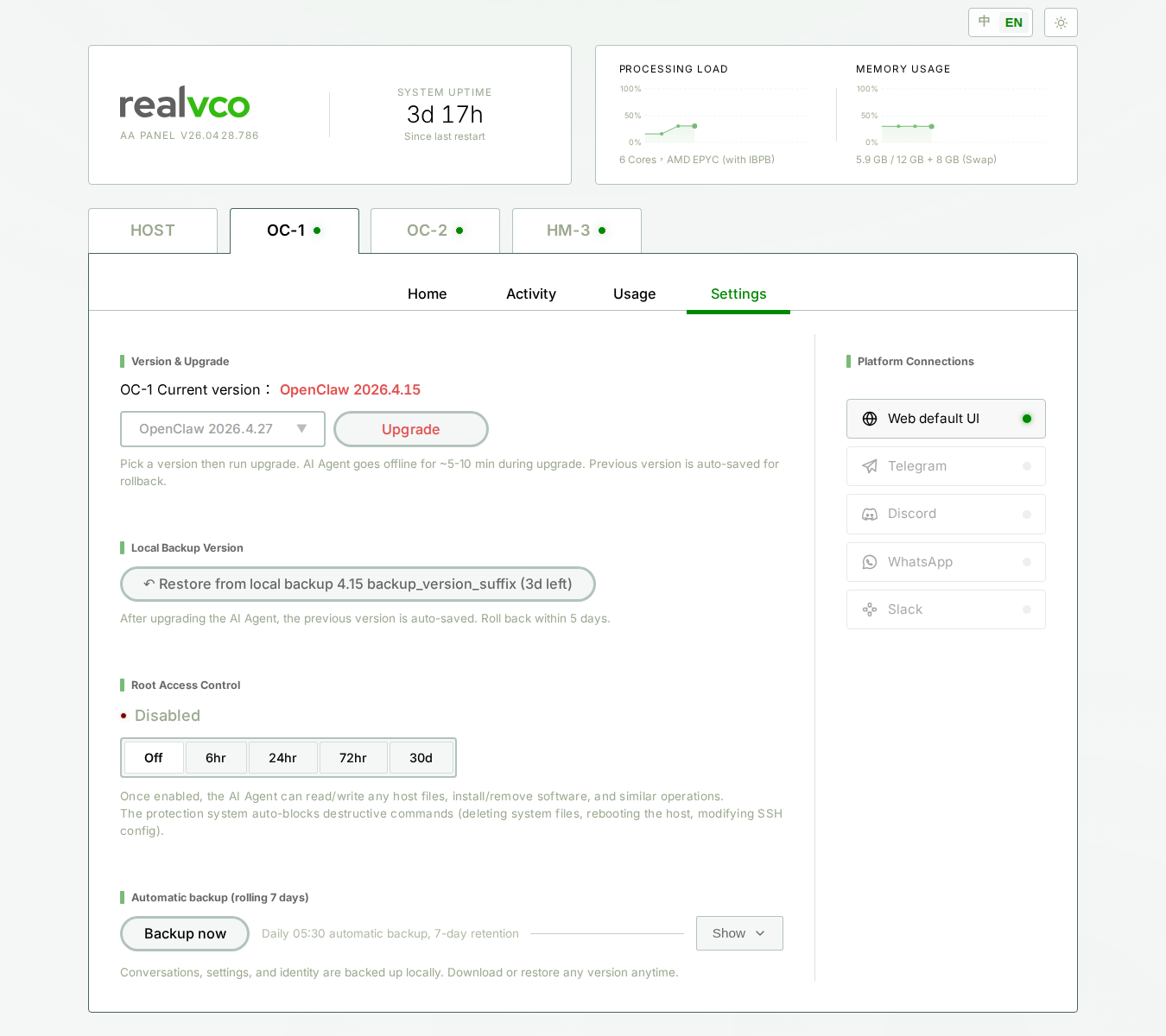
The 5 sections at a glance
| Section | What it shows | Detail |
|---|---|---|
| Version Upgrade | Engine current version + upgrade dropdown + execute button | Version Upgrade |
| Local Backup Versions | One-click rollback within 5 days of upgrade | Local Backup |
| ROOT Access Control | Toggle this AI container’s host root access (5 durations) | ROOT Access |
| Automatic Backup (7-day rolling) | Daily 05 auto backup + Backup Now button | Auto + Backup Now |
| Platform Connection (right column) | Web UI / Telegram / Discord / WhatsApp / Slack management | Platform Connection |
Which one should I click? Decision tree
| You want to… | Click |
|---|---|
| Upgrade OpenClaw / Hermes engine to a new version | Version Upgrade |
| Roll back failed upgrade | Local Backup |
| Let AI access host filesystem with a duration | ROOT Access |
| Backup conversations now (don’t wait for tomorrow 05) | Auto + Backup Now |
| See this AI’s existing backup history | Auto + Backup Now |
| Connect a Telegram bot for users | Platform Connection |
Host Restore Point vs Local Backup Versions (commonly confused)
Both are backups, but at different layers — don’t mix them up:
| Property | Host Restore Point | Local Backup Versions |
|---|---|---|
| Where | HOST tab → Host Operations | This sub-tab → Local Backup Versions |
| Scope | Entire machine (OS + all AIs + all data) | Single AI agent’s engine version |
| When created | You click Create Restore Point | Upgrade an AI auto-creates one (5-day retention) |
| Best for | Universal pre-change snapshot | Quick rollback after failed upgrade |
| Detail | Host Operations | Local Backup Versions |
Auto Backup vs Local Backup Versions (even more commonly confused)
Both are also backups; one more time:
| Property | Auto Backup (7-day rolling) | Local Backup Versions |
|---|---|---|
| Where | This sub-tab → Automatic Backup | This sub-tab → Local Backup Versions |
| Content | Conversations + persona + skill config | AI engine version itself |
| Trigger | Daily 05 + manual Backup Now | Auto on upgrade |
| Retention | 7-day rolling | 5 days |
| Restore | Pick from list → restore | One-click “Restore from Local Backup” |
Related
- AI Agent tab overview — 4 sub-tab map
- HOST tab overview — Host-level operations (vs this AI-level)