

AI Agents
How to get in
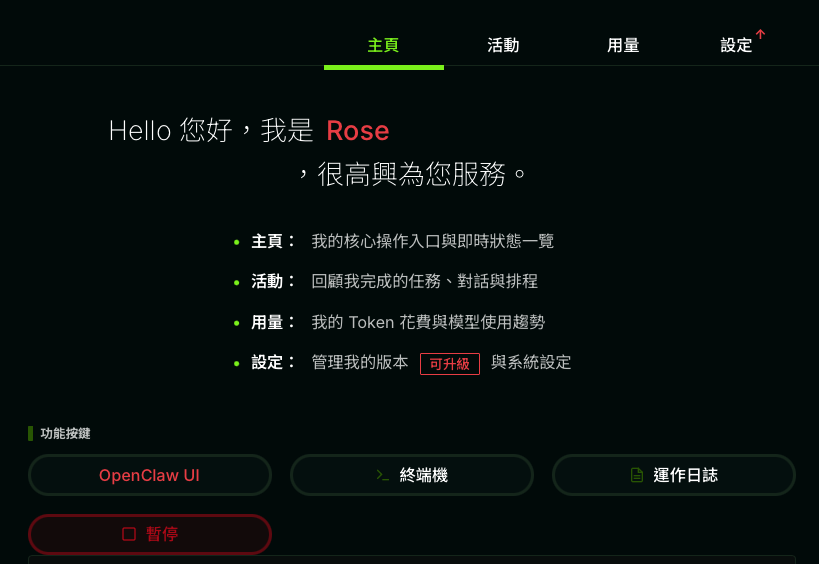
In the Dashboard, go to an AI agent’s tabs → Home, then click OpenClaw UI or Hermes UI to enter (OC-1 runs OpenClaw; HM-2 / HM-3 run Hermes).
OpenClaw UI
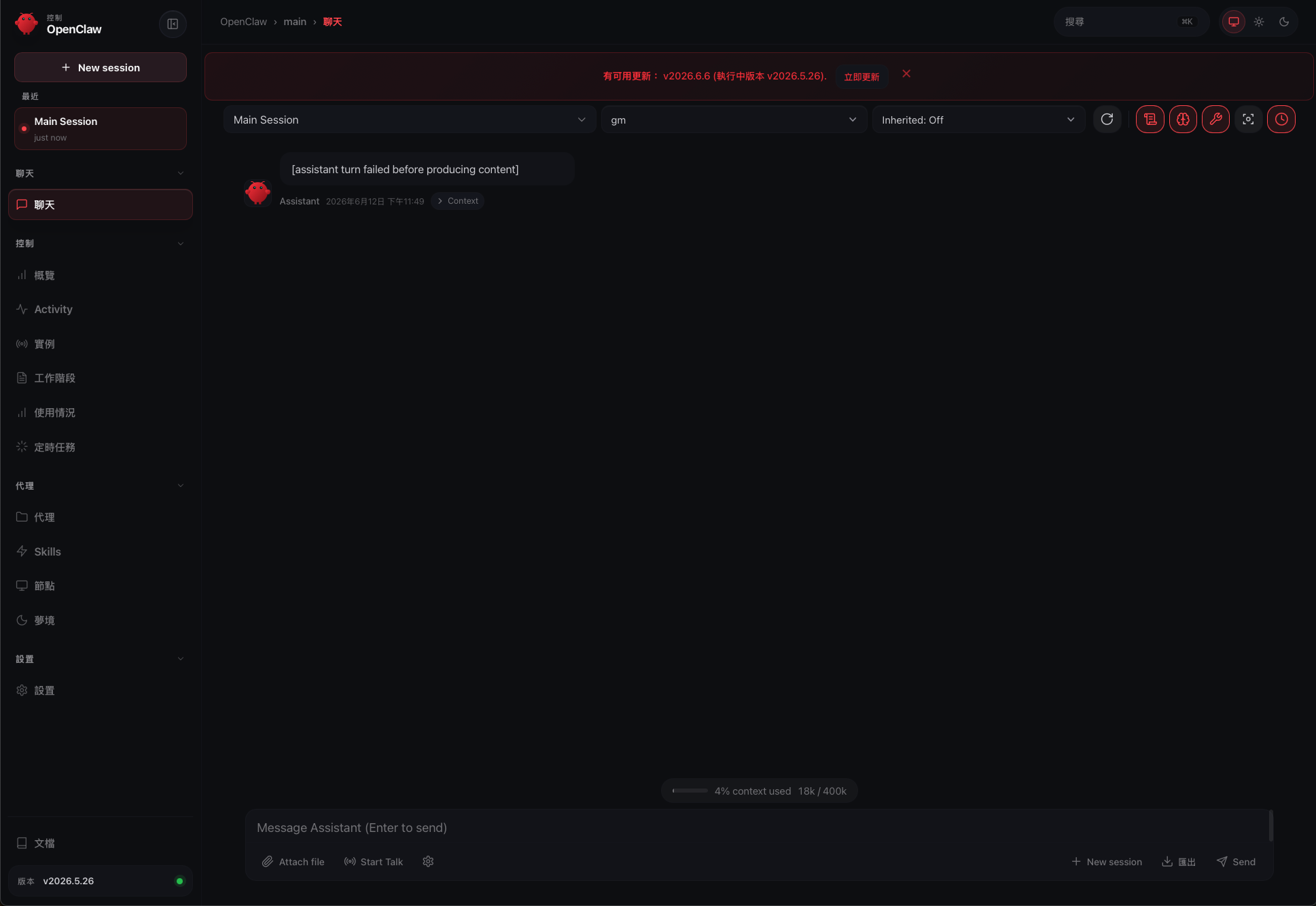
Rose’s full workbench (OpenClaw engine). The center is the chat window: pick a session, pick a model, type a message (attachments and voice supported); the left side has Overview, Activity, Instances, Sessions, Usage, and Cron, plus advanced features like Agents, Skills, Nodes, and Dreams.
Hermes UI
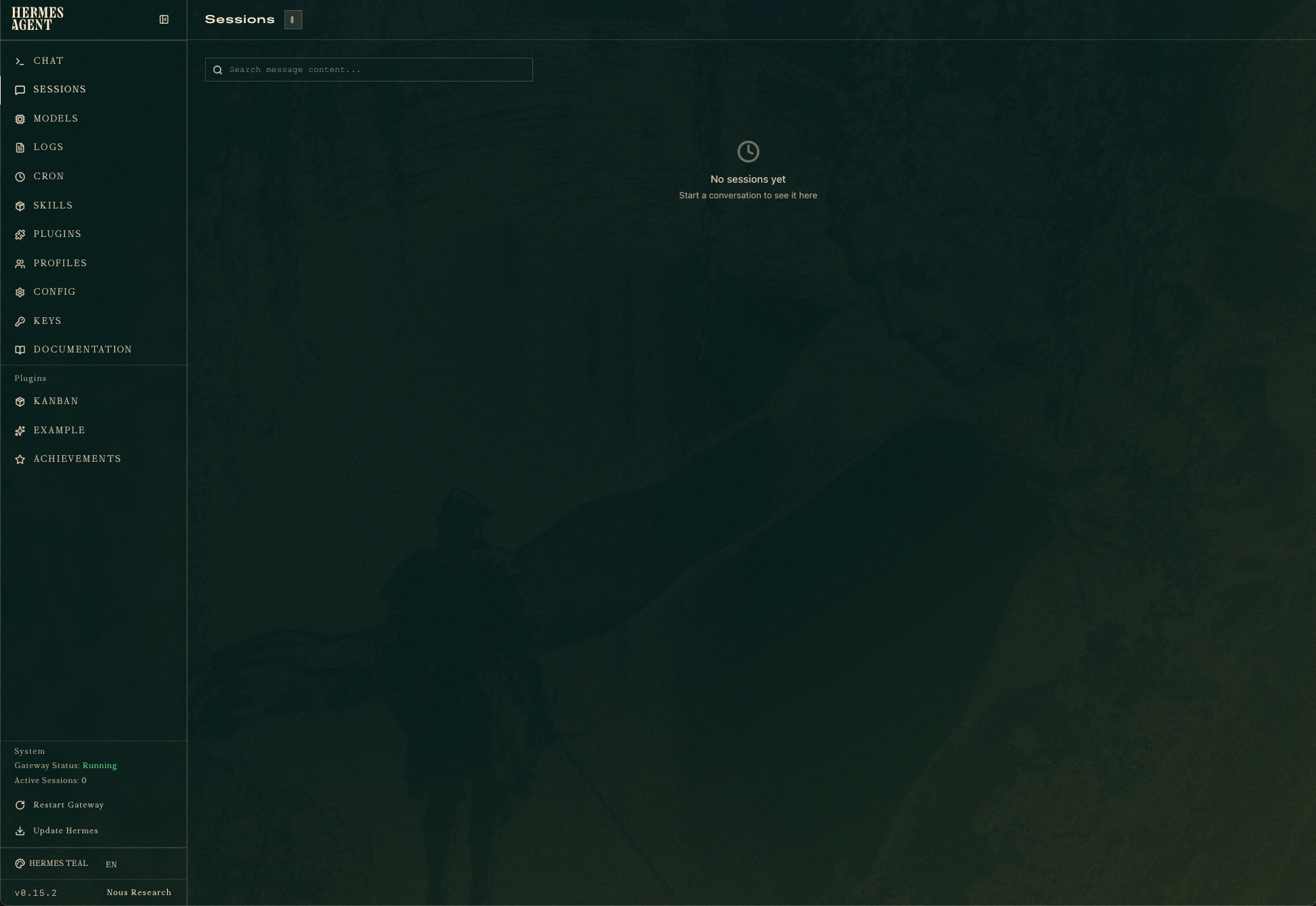
Ada / Vi’s workbench (Hermes engine), leaner and lower-latency. Left nav: Chat, Sessions, Models, Logs, Cron, Skills, Plugins, Profiles, Config, Keys, Documentation; just open a new chat to start.