

Member Portal
This is where you deal with realvco the company itself (your realvco.com account page), split into five tabs.
Overview
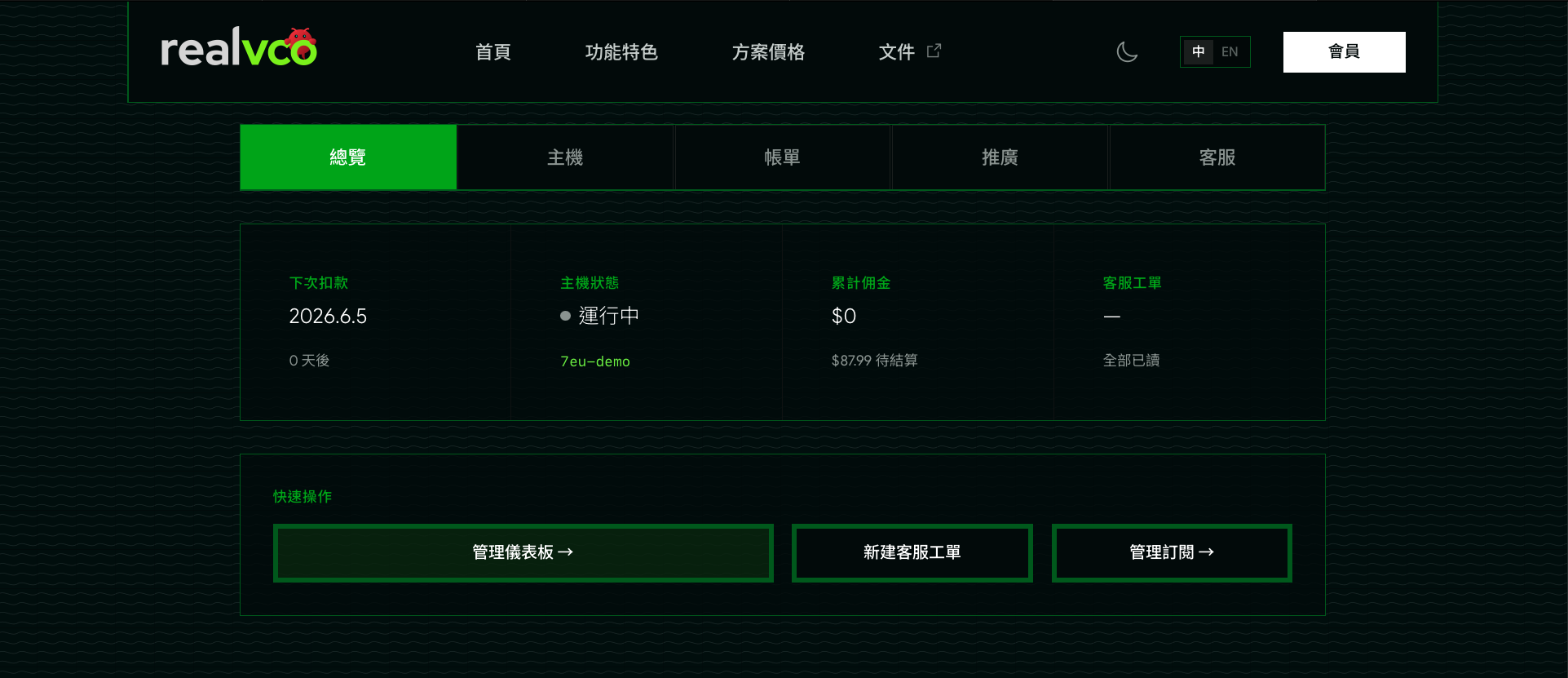
The first page after you log in — your account at a glance: next charge, host status, accrued commission, and support tickets. Below are quick links to “Dashboard / New ticket / Manage subscription”.
Host
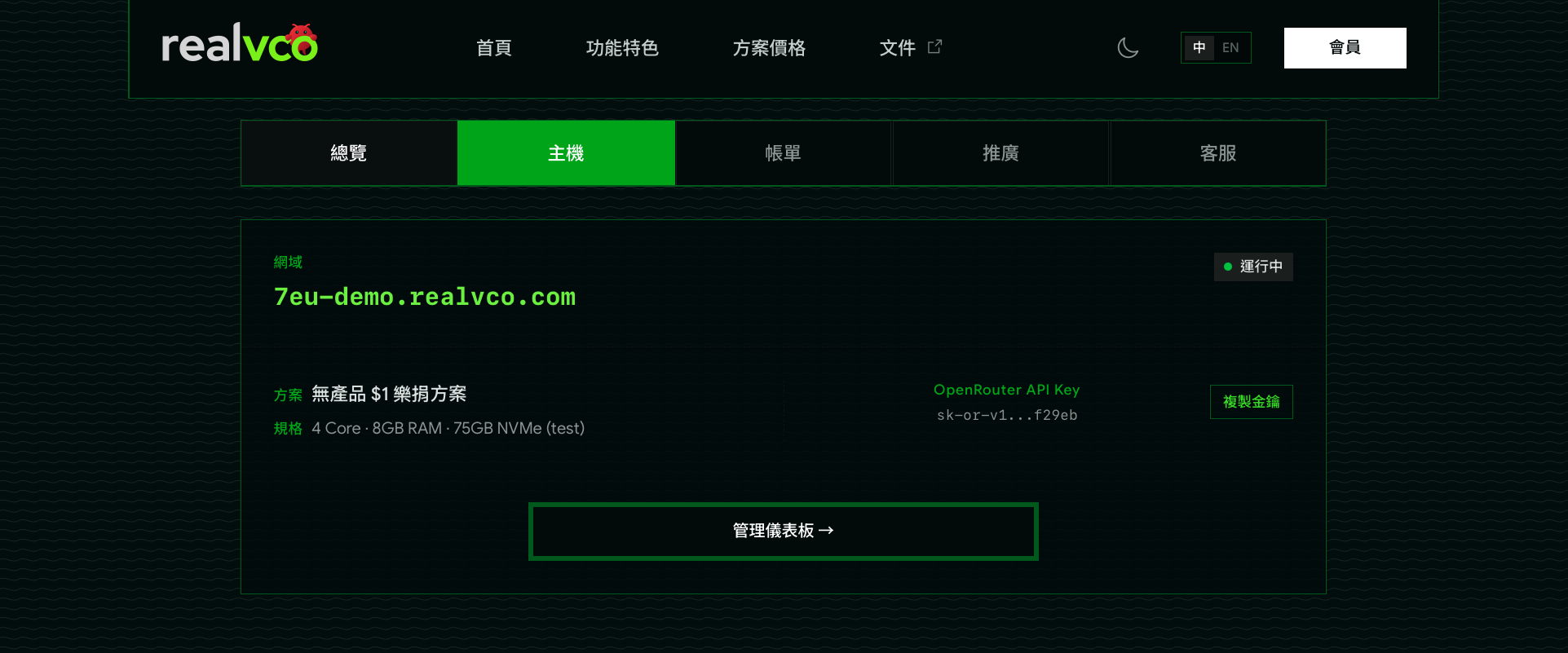
Details of the host you subscribed to: domain, running status, plan and specs (CPU / RAM / disk), and the OpenRouter API key. Click “Dashboard” to open the admin-panel.
Billing
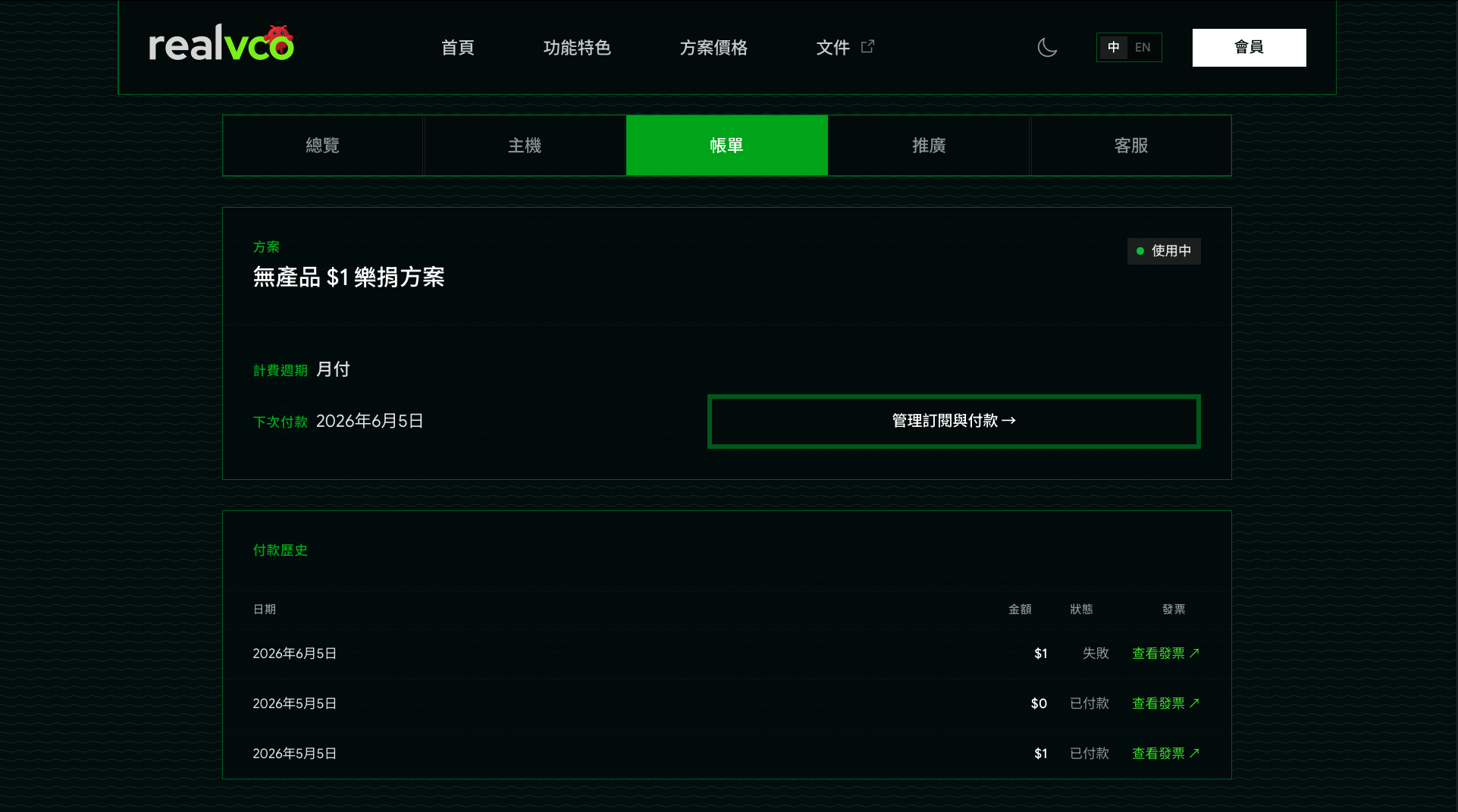
View your current plan, billing cycle, and next payment date. Below is the full payment history and invoices; click “Manage subscription & payment” to open the Stripe subscription page.
Referral
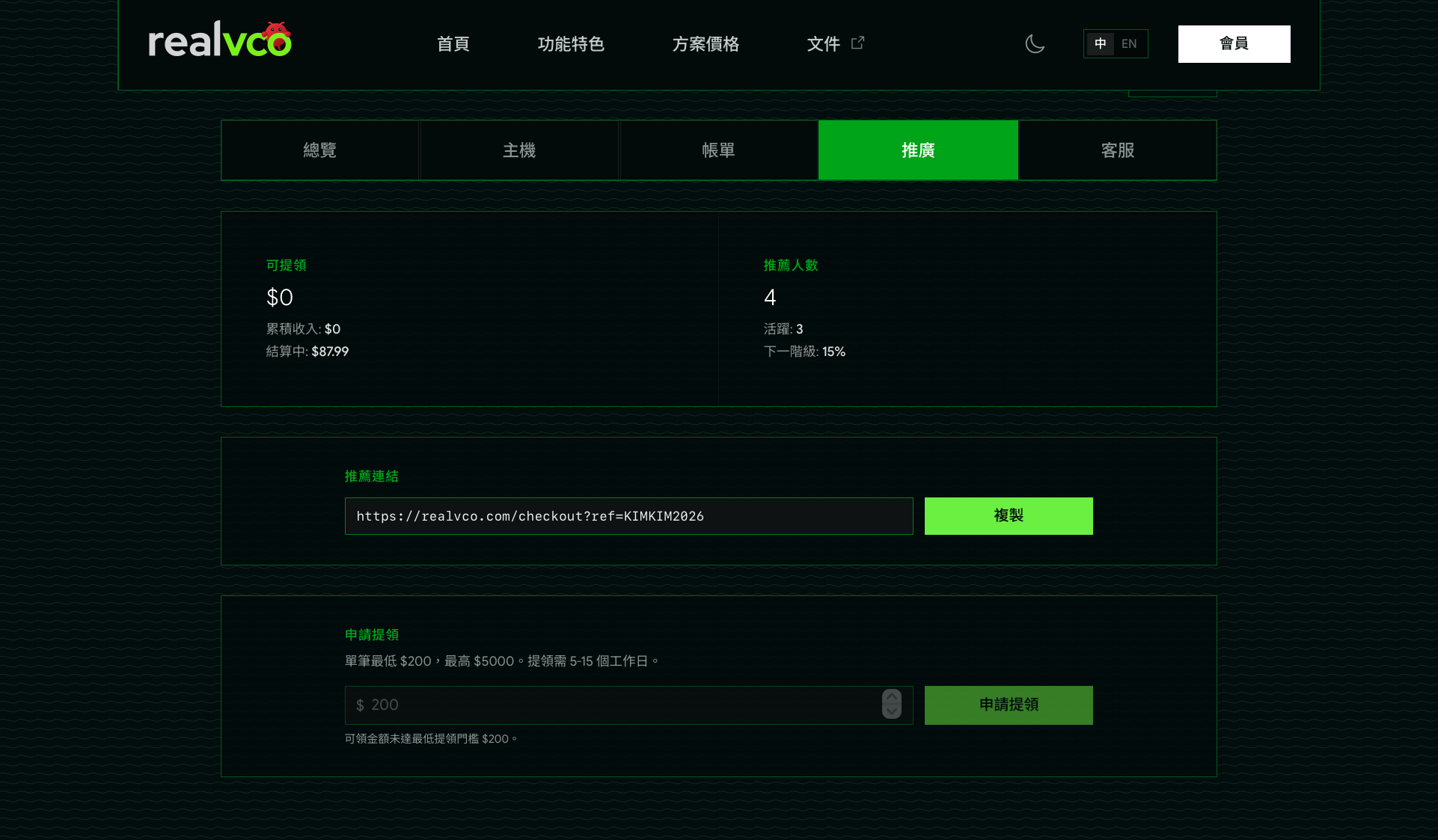
Note: this feature is invite-only — the tab only appears for accounts granted referral access. Contact official support to enable it.Your referral performance: available balance, number of referrals, and tier. Copy your personal referral link to share; once commission reaches the threshold (from $200) you can request a payout.
Support
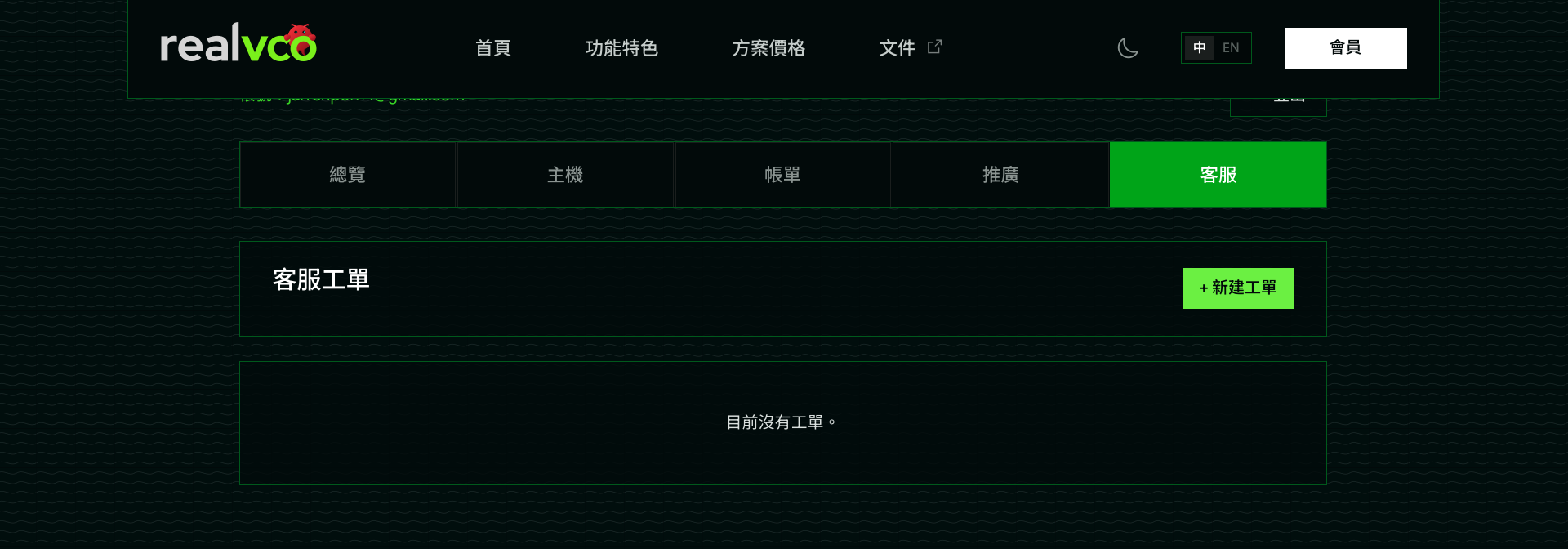
Open a support ticket here and track its progress whenever you run into a problem.